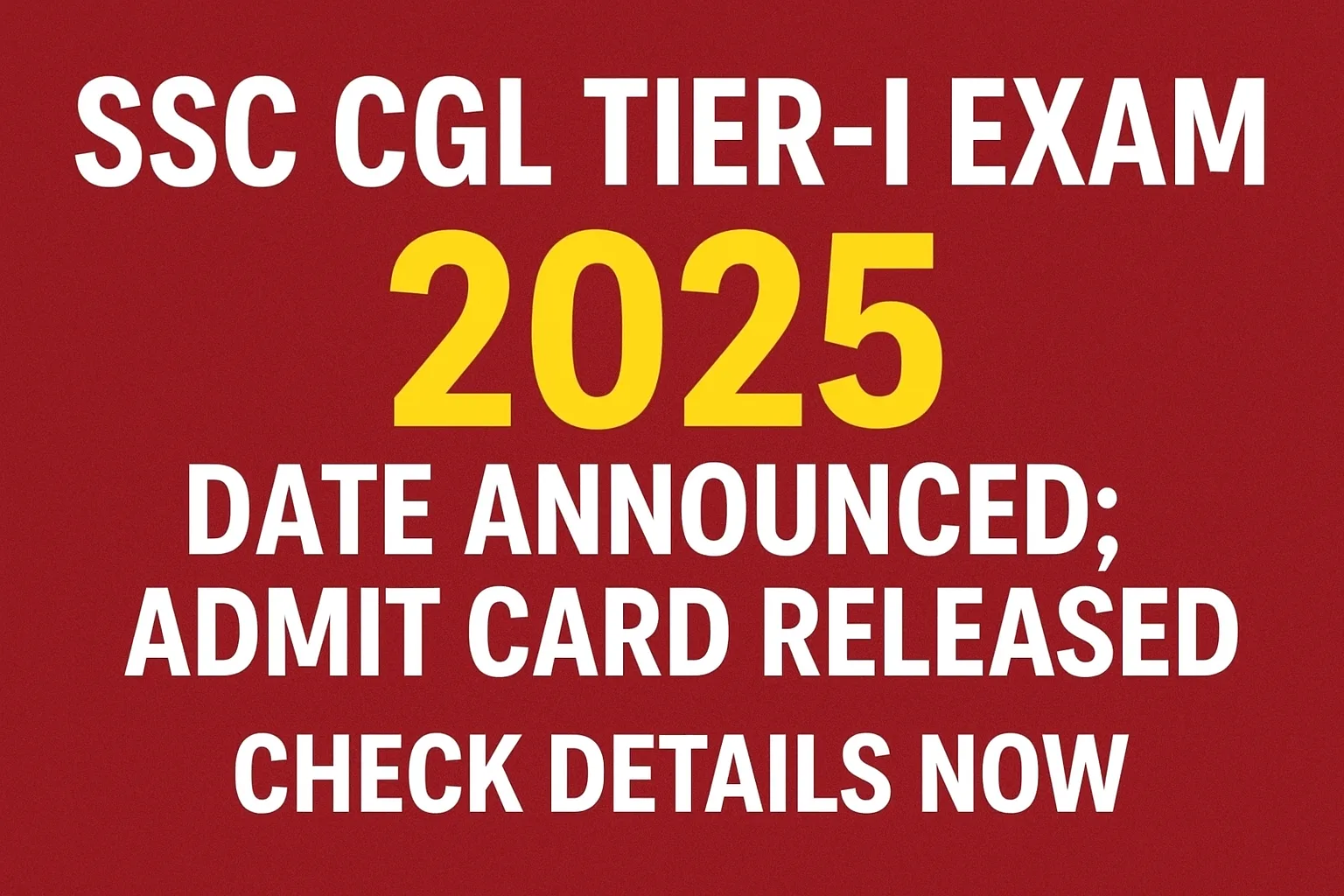
The Staff Selection Commission (SSC) has announced the exam dates for the Tier-I examination. Also, they have declared that admit cards are now available for download. In this post, you will get all the important details about this notification you need to know. We will tell you how to download your hall ticket. We will also share the important exam dates. Candidates should download the admit card on the time so that they do not face any problems on the exam day.
Important Dates
| Event | Date |
|---|---|
| SSC CGL 2025 Notification Release Date | Already Released |
| Application Window Closed On | Already Closed |
| Tier-I Admit Card Release Date | Released Now |
| SSC CGL 2025 Tier-I Exam Dates | 1st July 2025 to 11th July 2025 |
| Tier-I Answer Key Release Date | To be announced later |
| Tier-I Result Date | To be announced later |
How to Download Admit Card
-
Visit the Official Website: Go to the SSC regional website that you selected during your application. The main websites are ssc.nic.in or sscer.org. It is better to use the regional site if you remember it.
-
Find the Admit Card Link: On the homepage, look for a link that says “Admit Card” or “SSC CGL Tier-I 2025 Admit Card“. This is usually found in the “Latest News” or “Important Links” section.
-
Enter Your Login Details: Click on the link. You will be asked to log in. You need to enter your details to see your admit card. This usually includes:
-
Your Registration Number (or Roll Number).
-
Your Password or Date of Birth.
-
-
Download and Verify: After logging in, your admit card will appear on the screen. Please check every single detail on it very carefully.
-
Your name, your father’s name, your mother’s name.
-
Your photograph and your signature.
-
Exam date, time, and shift.
-
Exam center name and full address.
-
-
Print a Copy: If all the details are correct, download the PDF file. Take 2-3 printouts on A4-size paper. Also, save a soft copy (PDF) on your phone and computer for backup.
Details on the Admit Card
-
Your personal details (Name, Parents’ Name, Date of Birth, etc.)
-
Your registration and roll number.
-
Your photograph and your signature.
-
The date and time of your exam.
-
The exact address of your exam center.
-
Important instructions for the exam day.
Important Instructions for the Exam Day
-
Must-Carry Items: You must carry your admit card printout and an original photo ID proof. This can be your Aadhaar Card, Voter ID, Driver’s License, or Passport. The name on the ID should match the name on your admit card.
-
What Not to Carry: You are not allowed to carry electronic devices like mobile phones, smartwatches, calculators, or Bluetooth devices into the exam hall. Leave them at home or in your vehicle. Also, do not carry any bags, books, or notes.
-
Reporting Time: You must reach the exam center at least 60 minutes (1 hour) before your exam time. This will help you complete the entry and security check process without any rush.
-
Follow COVID Guidelines: While most rules are relaxed, it is always good to carry a personal hand sanitizer and wear a mask if you wish to.
Frequently Asked Questions (FAQs)
Q1: I forgot my registration password. How can I download my admit card?
Ans: Do not worry. On the login page for the admit card, there is usually a “Forgot Password” link. You can click on that and reset your password using your registered email ID or mobile number. Alternatively, you can often use your Date of Birth as a password to log in.
Q2: Can I change my exam center after the admit card is released?
Ans: No, unfortunately, you cannot request a change of exam center once the admit cards have been released. The center assigned to you on your admit card is final. You must report to that center on the given date and time.
Q3: Is it mandatory to carry a color printout of the admit card?
Ans: While a black-and-white printout is generally accepted, it is always safer to take a color printout. This is because your photograph on the admit card needs to be clearly visible to the exam invigilators. A color printout ensures there is no issue with identification at the exam center.
| Download Tier-I Admit Card | Click Here |
| Check Tier-I Exam City | Click Here |
| Download Tier-I City Intimation Regarding Notice | Click Here |
| Download Tier-I Exam City Notice | Click Here |
| Download Tier-I New Exam Date Notice | Click Here |
| Download Exam Postponed Notice | Click Here |
| Download Vacancy Details | Click Here |
| Download Correction / Edit Form | Click Here |
| Download Corrigendum Notice | Click Here |
| Notification PDF | Click Here |